


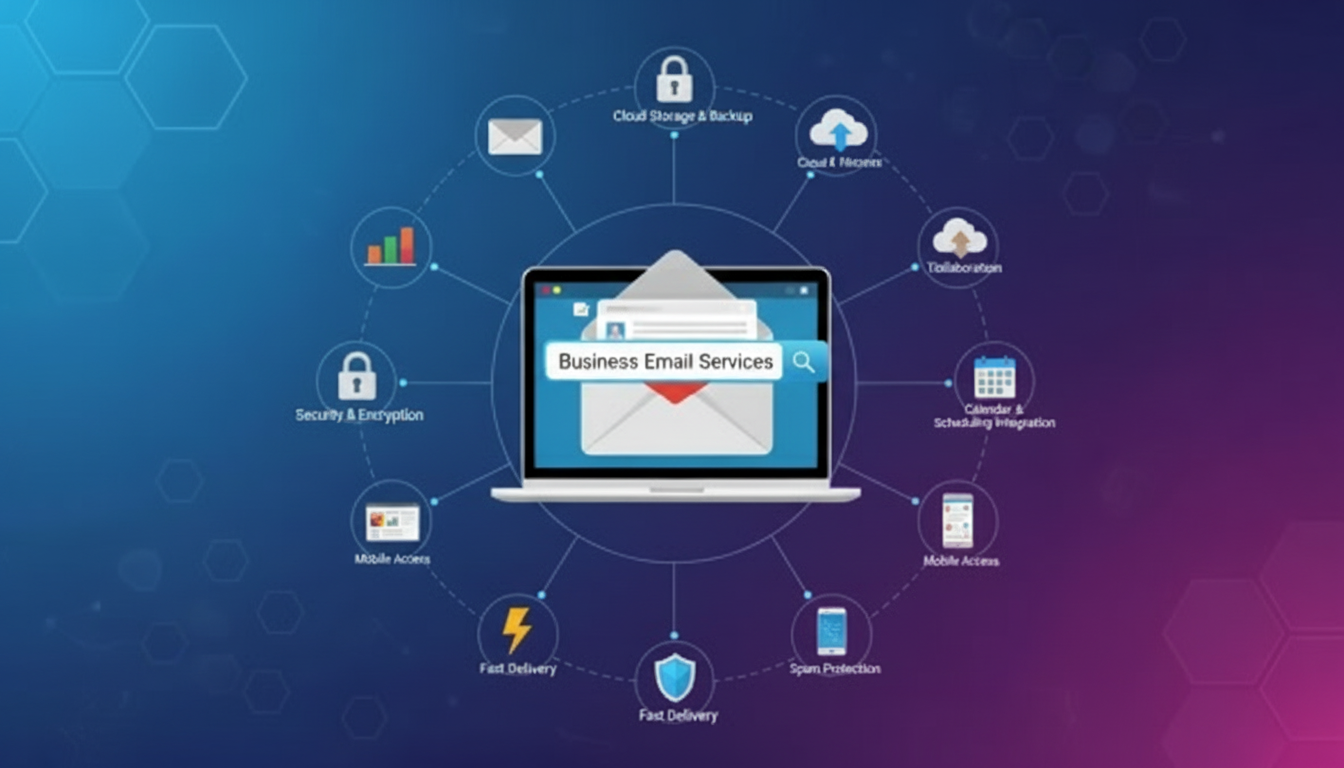
The Professional Communication Standard: A Deep Dive into Business Email Services
In the digital era, an email address is more than just a tool for sending messages; it is a digital business card, a record of transparency, and a primary layer of corporate security. While personal email accounts (like @gmail.com or @yahoo.com) are sufficient for private use, a Business Email Service is a specialized communication platform designed to meet the rigorous demands of professional organizations.
A professional email service allows a company to use its own domain name (e.g., name@company.com) rather than a generic provider’s domain. However, the distinction goes far beyond the “look” of the address. It encompasses security, administrative control, and integration into a broader ecosystem of productivity.
What Defines a Business Email Service?
At its core, a business email service is a managed platform that provides a suite of tools centered around a custom domain. Unlike free services, these are paid subscriptions that offer Service Level Agreements (SLAs), guaranteeing uptime and dedicated support.
The primary stakeholders for these services include:
- Company Administrators: Who need to manage hundreds of users, set security protocols, and recover lost data.
- Employees: Who require high-speed, reliable access to communication and synchronized calendars.
- Clients and Partners: Who view a custom domain as a mark of legitimacy and established presence.
The Strategic Advantages of Professional Email
Investing in a dedicated business email service provides several competitive advantages that generic services cannot match.
1. Brand Identity and Professionalism
First impressions are everything in business. When an intern or a founder reaches out to a potential lead, an email coming from a custom corporate domain instantly signals that the sender is part of a verified, professional entity. It builds immediate trust and reinforces the brand name with every message sent.
2. Administrative Control and Ownership
In a corporate setting, the company—not the individual employee—owns the data. Business email services provide a central admin console. If an employee leaves the company, the administrator can instantly revoke access, reset passwords, and redirect incoming mail to a successor. This prevents “data leakage” and ensures that client relationships remain with the firm.
3. Enhanced Security and Spam Filtering
Business-grade services offer advanced security features that go beyond basic filters. These include:
- Two-Factor Authentication (2FA): A mandatory layer to prevent unauthorized logins.
- Data Loss Prevention (DLP): Tools that scan outgoing mail for sensitive info like credit card numbers or internal secrets.
- Advanced Phishing Protection: AI-driven systems that identify and quarantine “spoofed” emails designed to trick employees.
Core Features of Leading Business Email Platforms
Modern business email is rarely a standalone product; it is typically the “hub” of a productivity suite. Whether an organization uses Google Workspace, Microsoft 365, or a specialized provider like Zoho Mail, certain features are considered industry standards.
Synchronized Calendars and Scheduling
A business email service integrates seamlessly with shared calendars. This allows team members to see each other’s availability, book meeting rooms, and schedule video conferences without the “back-and-forth” of checking schedules manually.
Massive Storage Capacities
Professional accounts typically offer significantly more storage than free versions, often ranging from 30GB to unlimited storage depending on the tier. This is crucial for businesses that handle large digital assets, such as HD imagery, PDF reports, or complex spreadsheets.
Collaboration Tools
Modern platforms link the email inbox to cloud storage (like Google Drive or OneDrive) and chat tools (like Teams or Chat). This allows users to collaborate on a single document in real-time, with all version history and comments tracked through their professional identity.
Technical Infrastructure: How It Works
For a business email service to function, several technical configurations must be handled correctly in the Domain Name System (DNS).
| Record Type | Purpose |
| MX (Mail Exchange) | Directs incoming mail to the correct email server provider. |
| SPF (Sender Policy Framework) | Lists the IP addresses authorized to send mail on behalf of your domain, preventing spoofing. |
| DKIM (DomainKeys Identified Mail) | Adds a digital signature to emails to prove they weren’t altered in transit. |
| DMARC | A policy that tells receiving servers what to do if SPF or DKIM checks fail. |
Correctly configuring these records is what ensures your emails actually reach the recipient’s inbox rather than being flagged as spam.
Choosing the Right Service Provider
The “best” service depends on the existing workflow of the company.
- Google Workspace: Favored by creative agencies, tech startups, and companies that value real-time collaboration and a “friendly,” browser-based interface. It is highly optimized for web development workflows and digital-first teams.
- Microsoft 365: The gold standard for traditional corporate environments. It offers the most robust desktop applications (Word, Excel, PowerPoint) and deep integration for complex IT infrastructures.
- Zoho Mail: An excellent choice for small to medium enterprises (SMEs) looking for a professional, ad-free experience at a more accessible price point, often with a focus on privacy.
The Role of Email in Modern Workflows
Even with the rise of instant messaging apps like Slack or WhatsApp, email remains the system of record for business. It is where formal inquiries, project reports, and legal contracts are documented.
For an intern writing an industrial training report or a professional agency managing e-commerce data for a client, the email thread serves as a “paper trail.” It provides a chronological history of decisions and approvals that can be referenced months later.
Conclusion
A Business Email Service is much more than a communication medium; it is a foundational pillar of corporate identity and security. It bridges the gap between a company’s internal operations and its outward-facing professional image.
By utilizing a dedicated service, organizations ensure that their data remains secure, their brand remains consistent, and their communication remains “flawless” and “professional.” In the competitive landscape of digital solutions, the legitimacy provided by a @company.com address is often the first step in turning a cold lead into a long-term partnership.